BEPRO Space
BEPRO Editor
Cerberus
Login & Signup
Request Match Analysis
BEPRO Space
Basic
All Users
Signup
Learn how to sign up
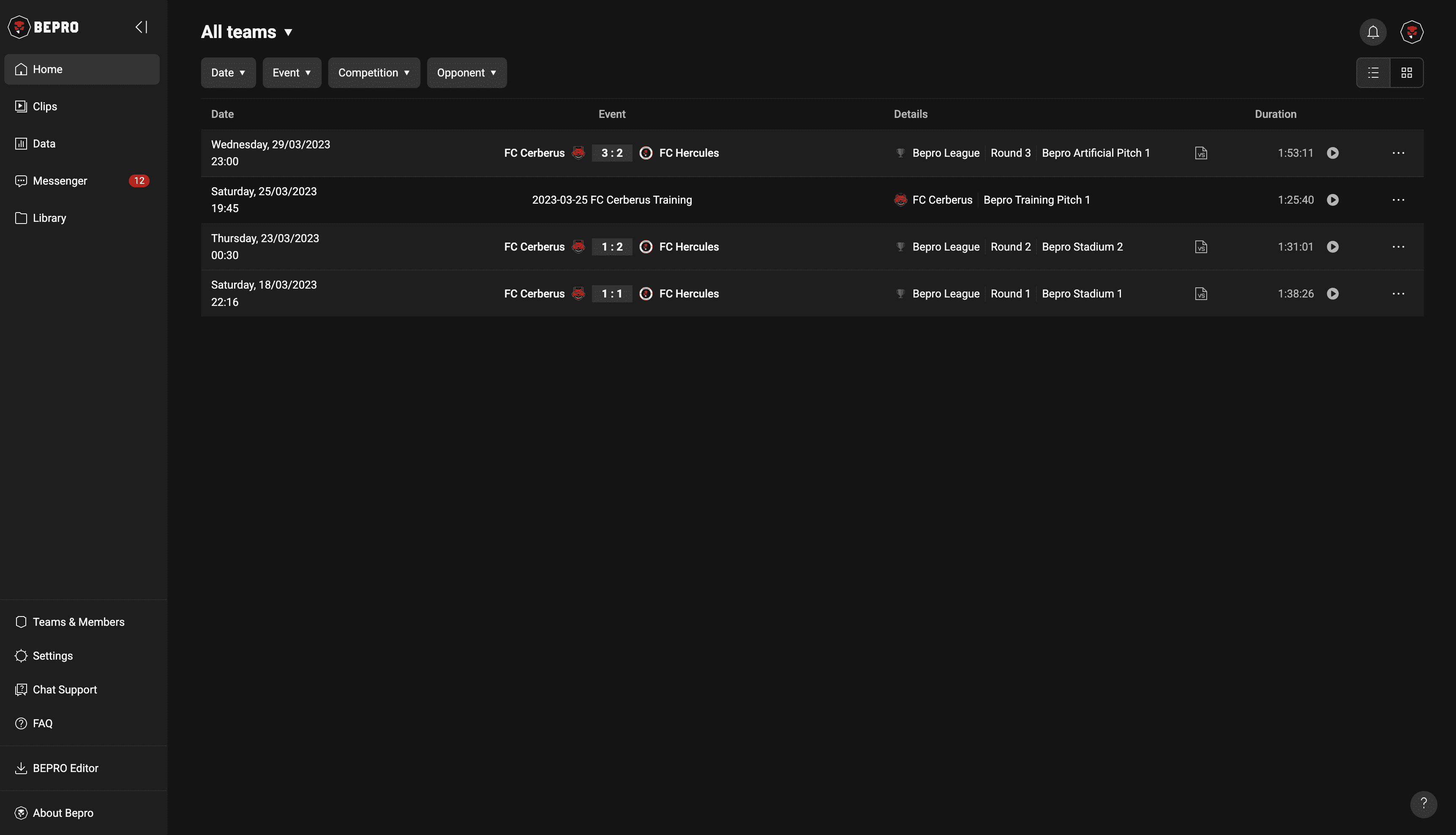
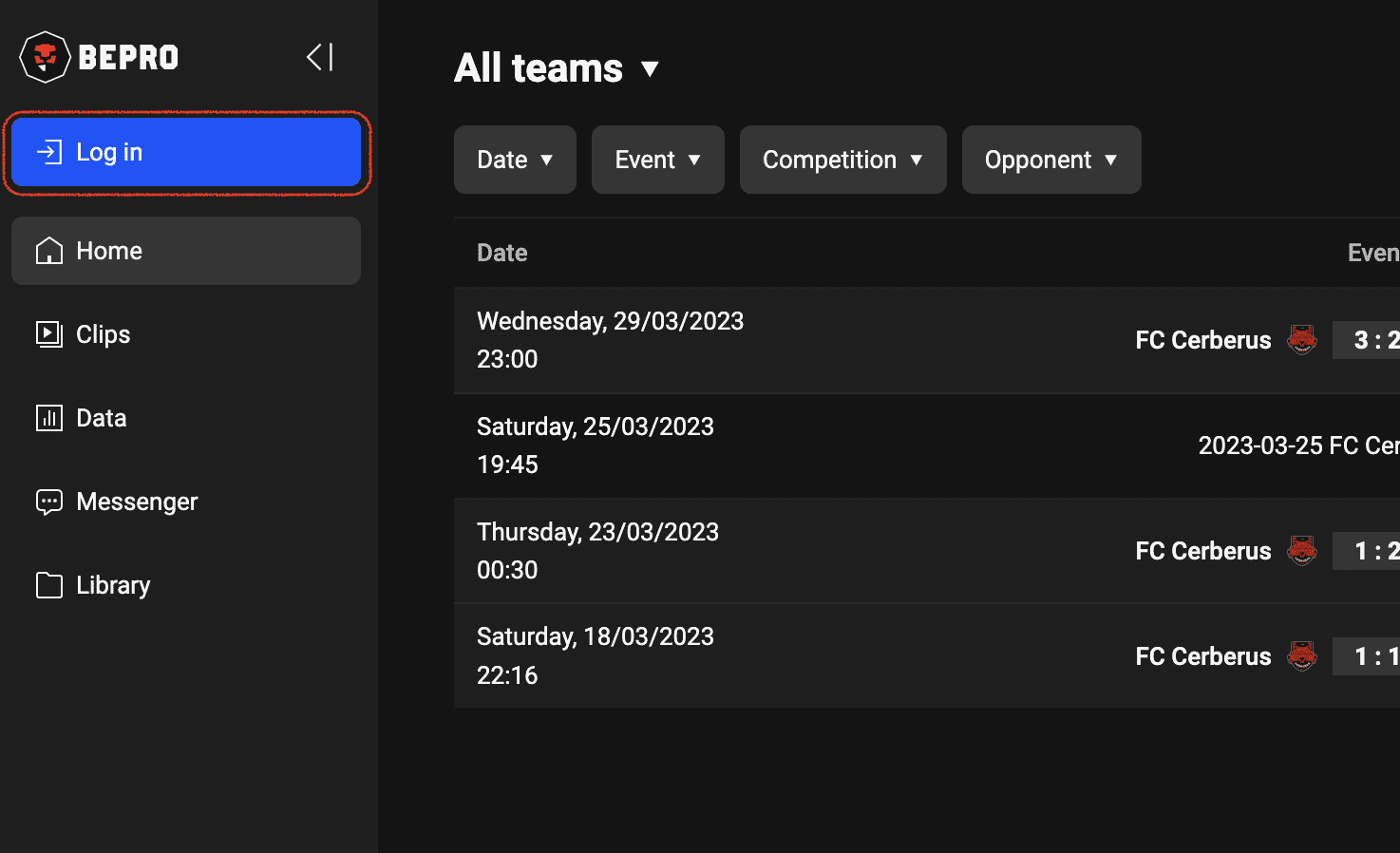
Click the login button in the upper left corner of the main screen to display the sign-up/login modal.
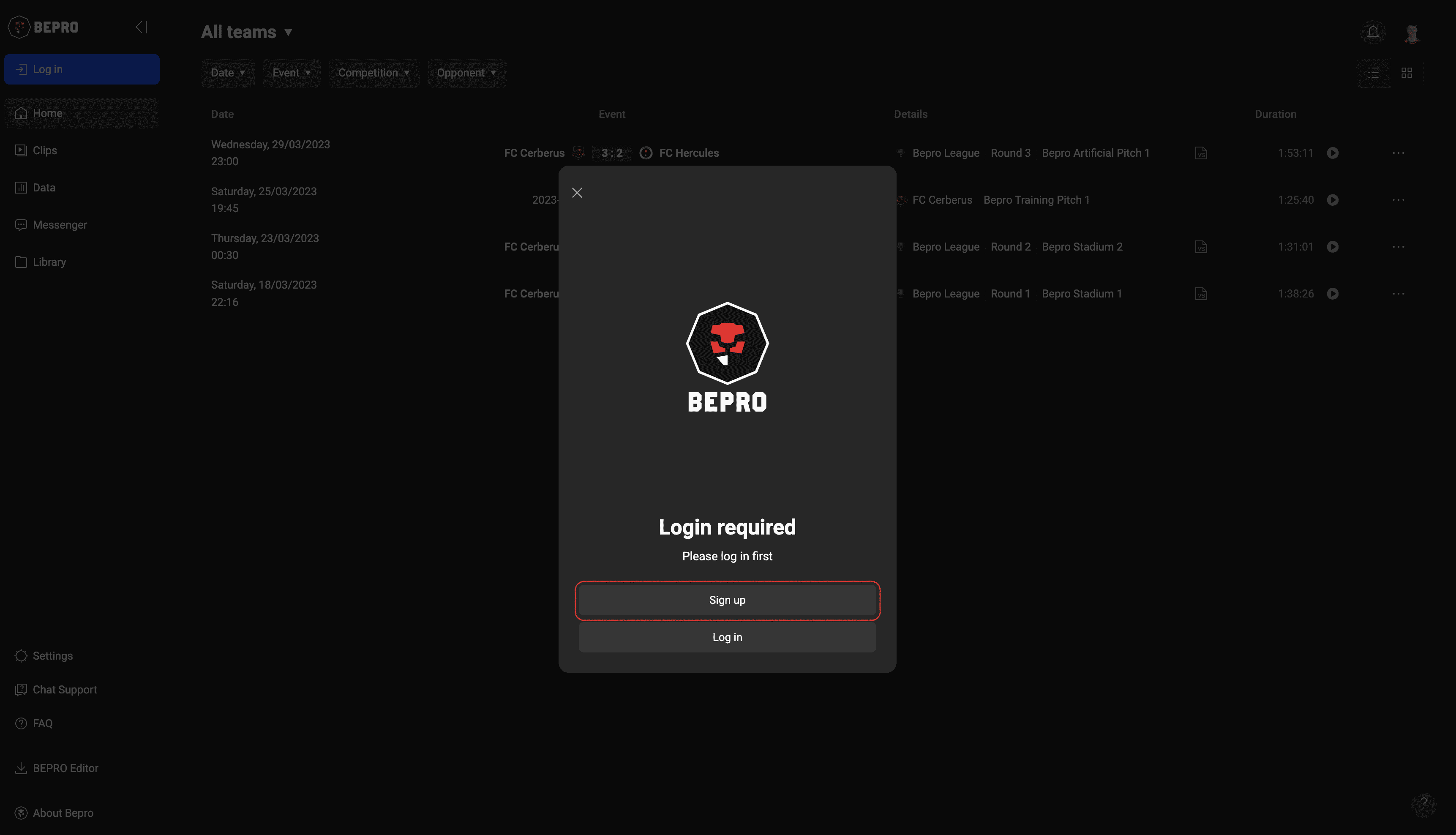
When the login/signup modal appears, click the sign-up button.
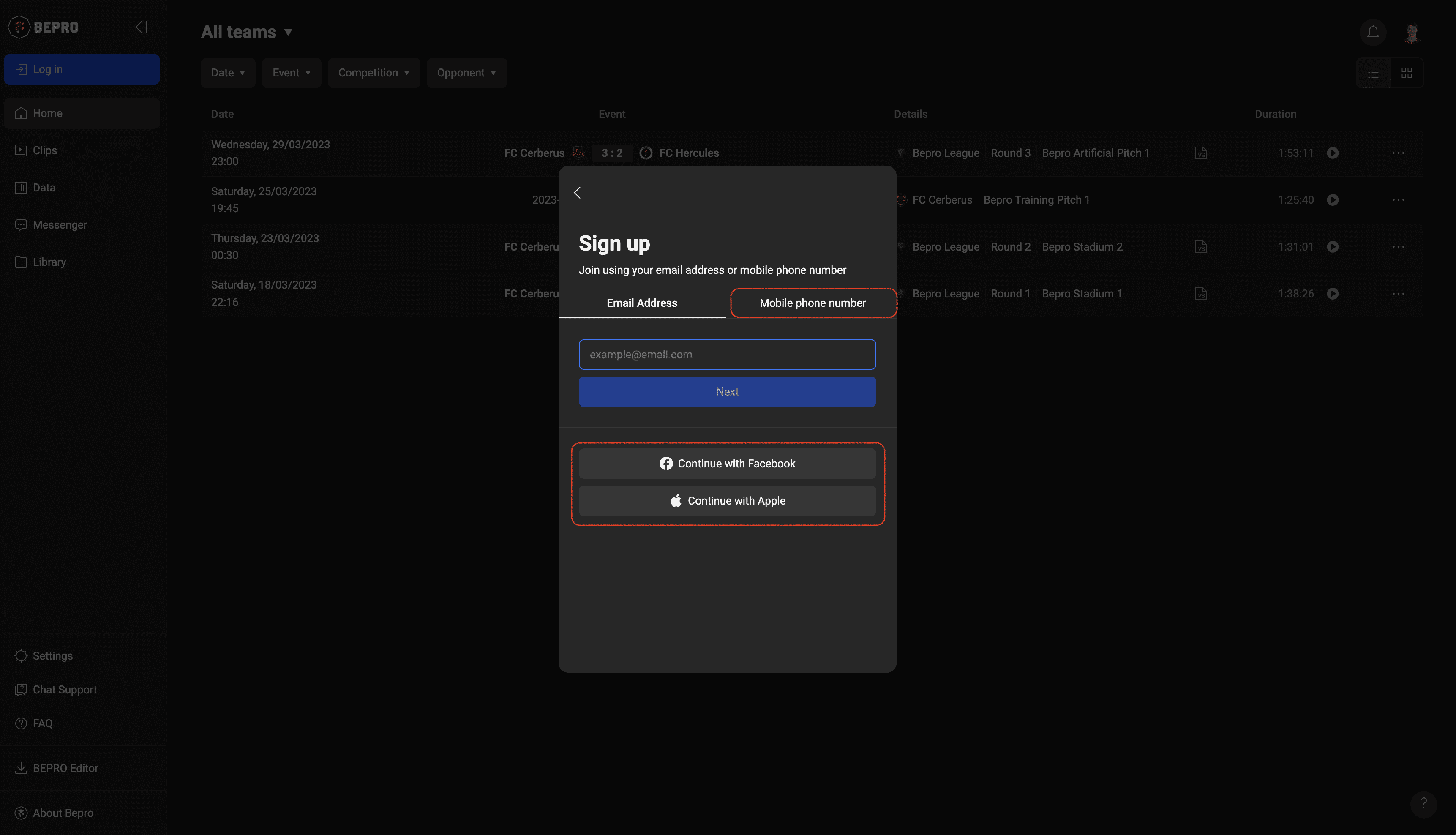
Choose the method that works best for you: email, simple registration through SNS, or mobile phone number.
For this example, we'll proceed with email registration.
Enter your email and click "Next" to receive a verification code.
Please enter this code when prompted.
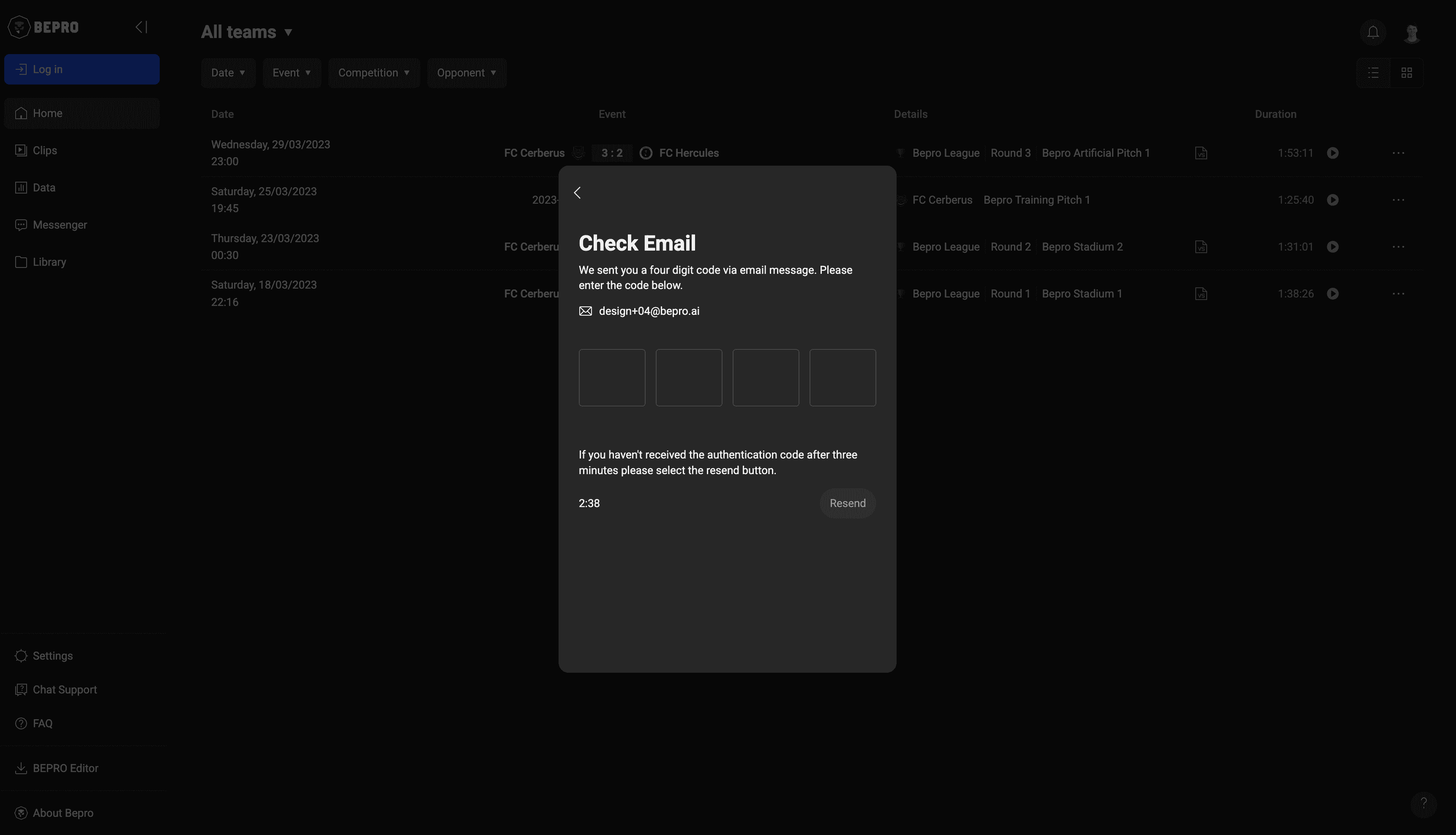
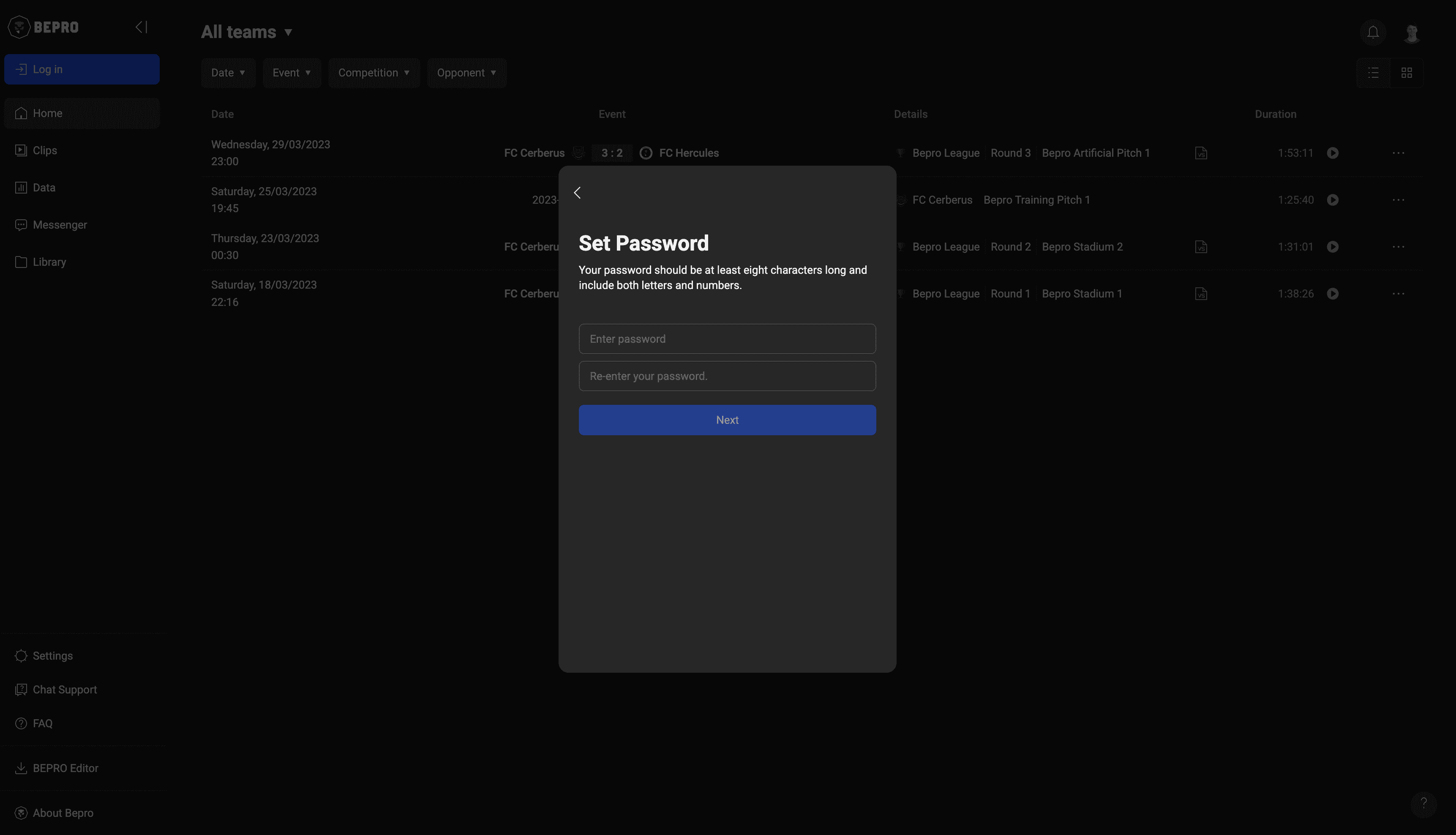
Set your password and click "Next".
Your password must be at least 8 characters long and include both numbers and letters.
Complete your registration by adding a profile picture, entering your name, and accepting the terms and conditions.
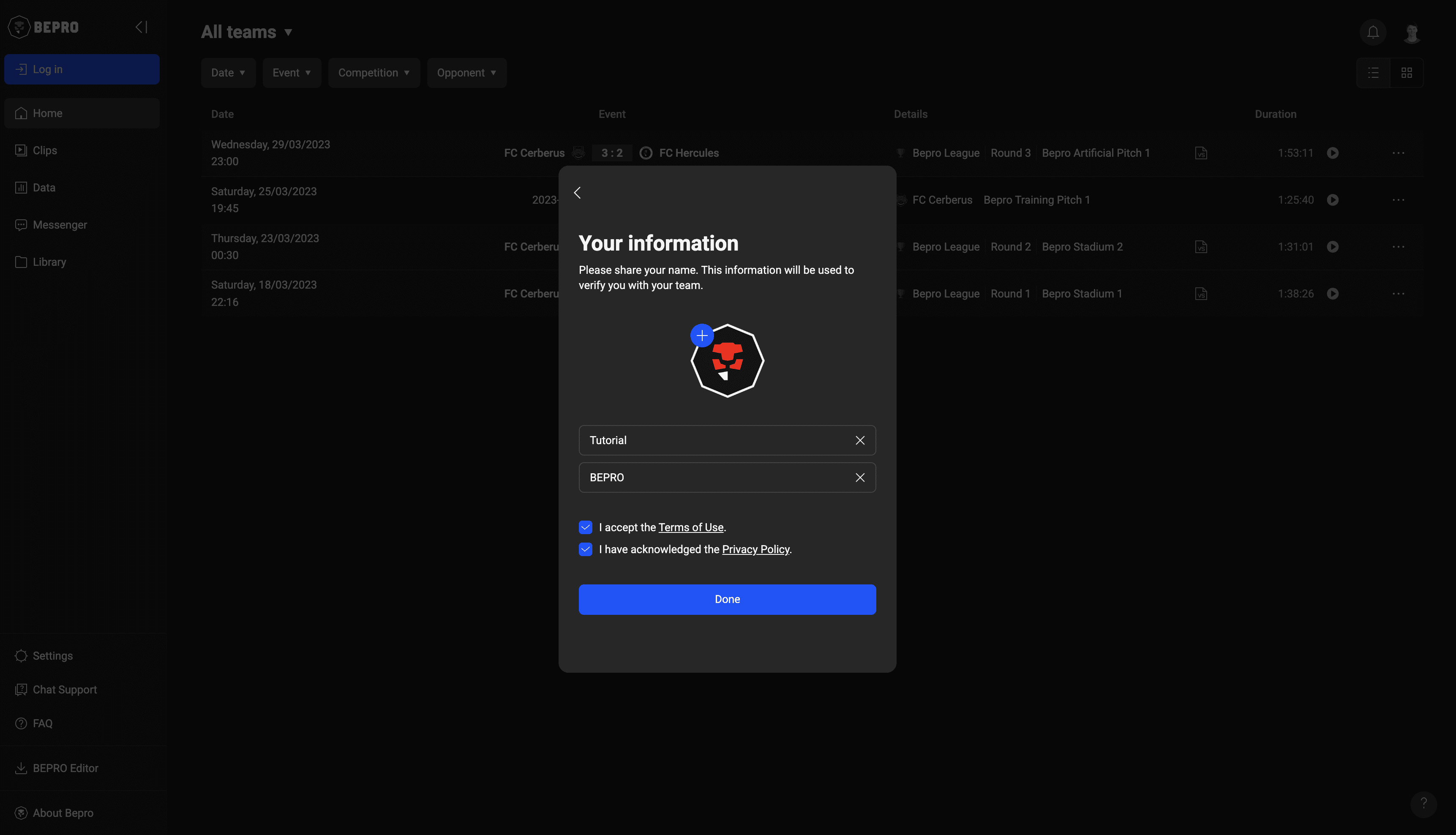
Upon completion, you'll be automatically logged in.
Since you don't have a team yet, demo team matches will be displayed.
If your team has already been created and you need to join, please move to 'Join a team' article.
If you need to create a new team, please check 'Create a new team' article.