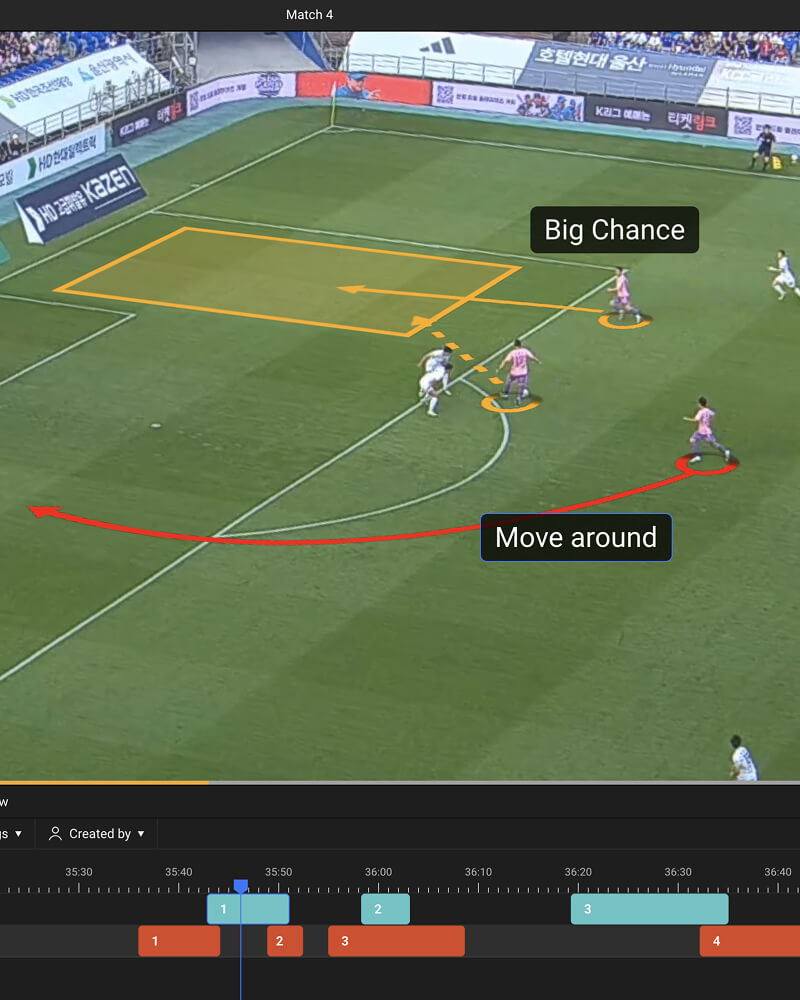
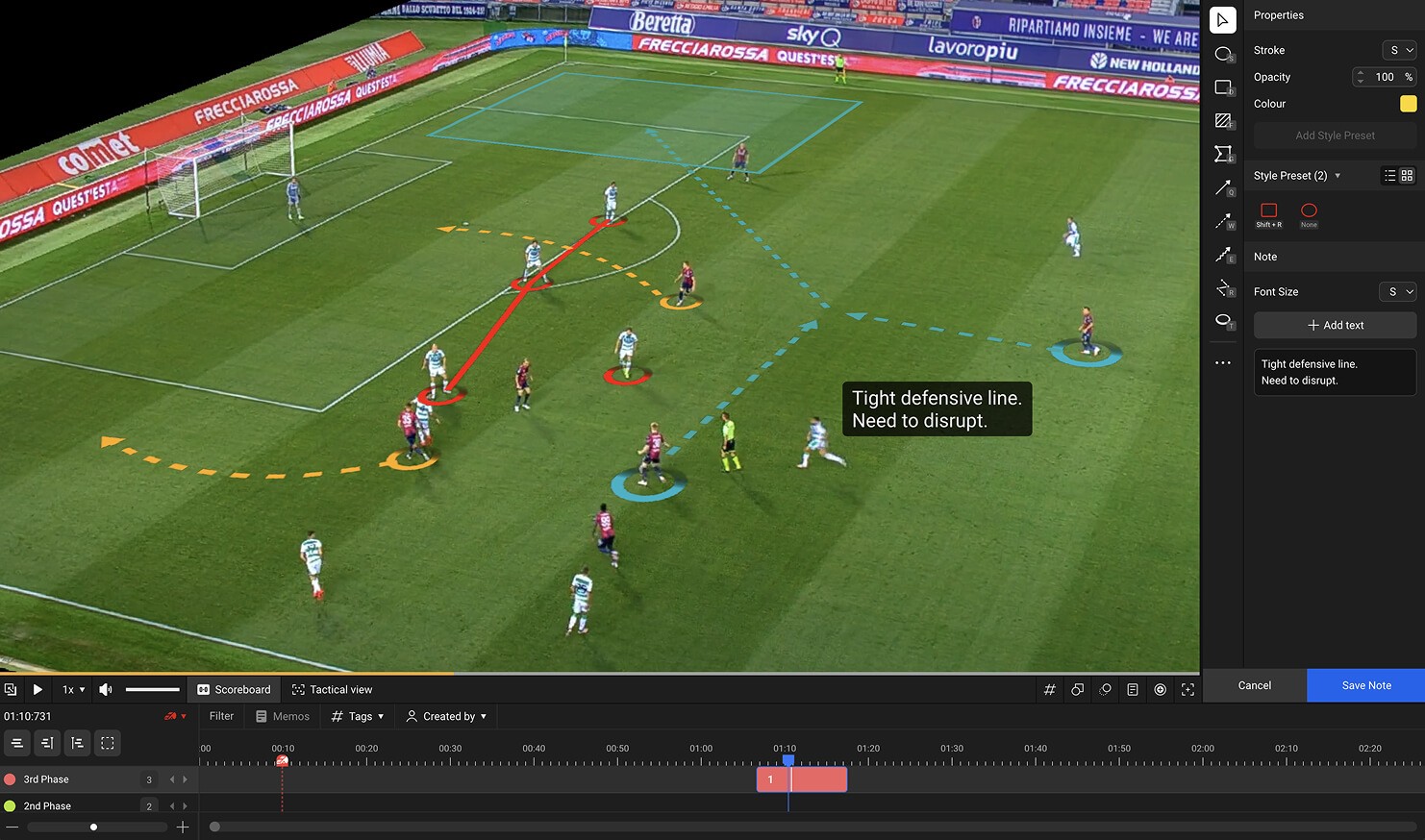
Easy Editing and Drawing
Intuitive interface enables simple use and allows various graphics to be applied over footage.
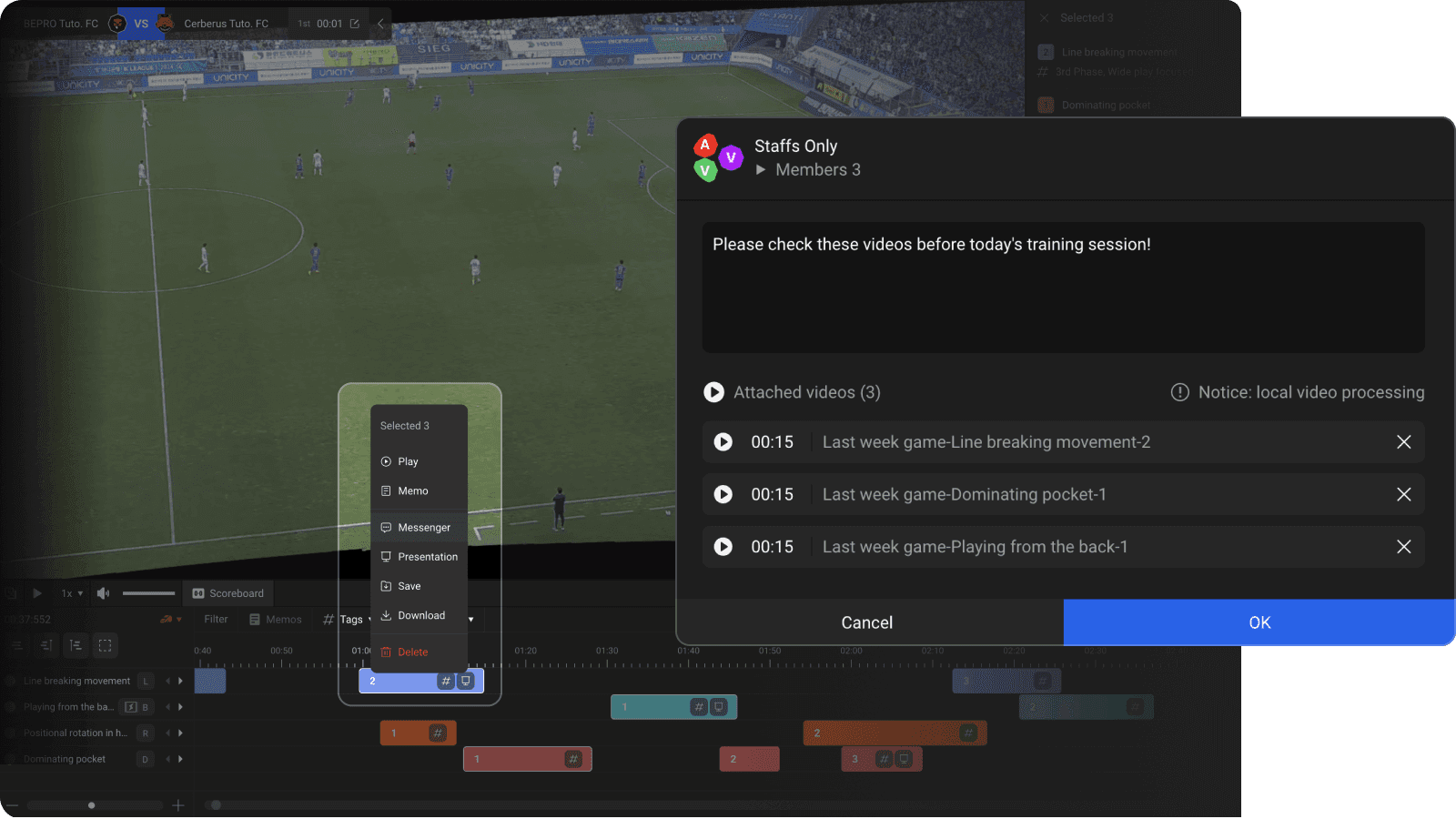
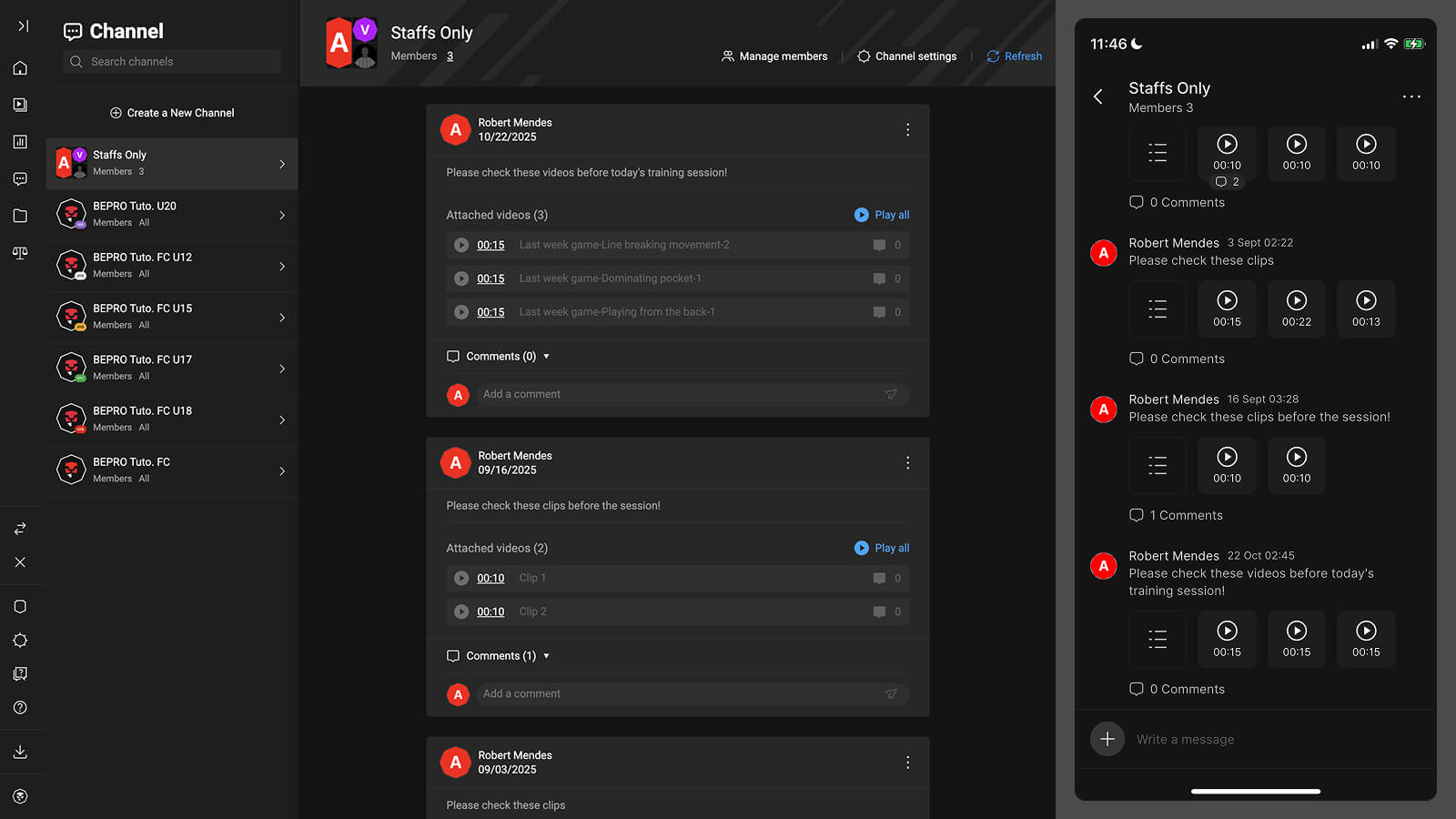
Send Clips Directly to Teammates
Share edited clips instantly with teammates via messenger and discuss key moments without downloading.
Cloud-Based Collaboration
Work on a single video editing file with teammates simultaneously, just like Google Docs.
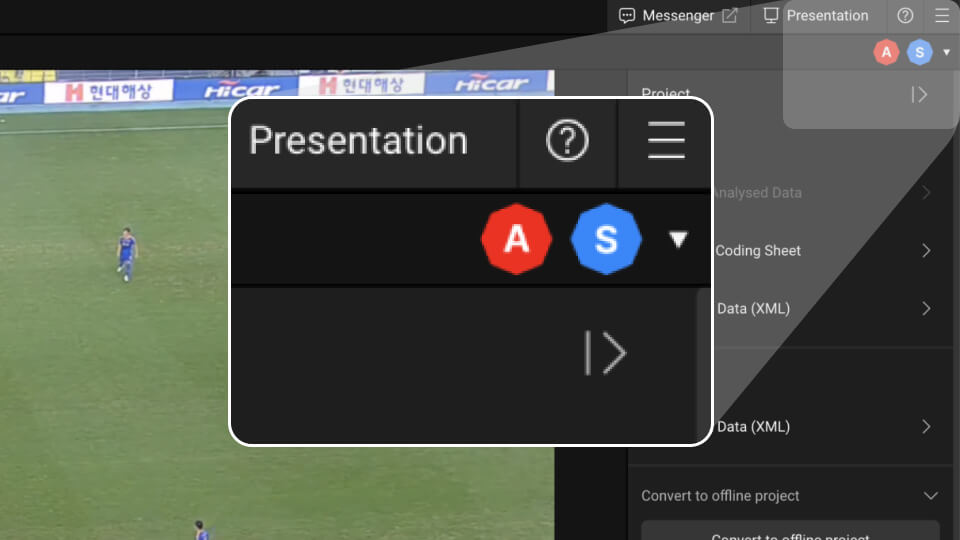
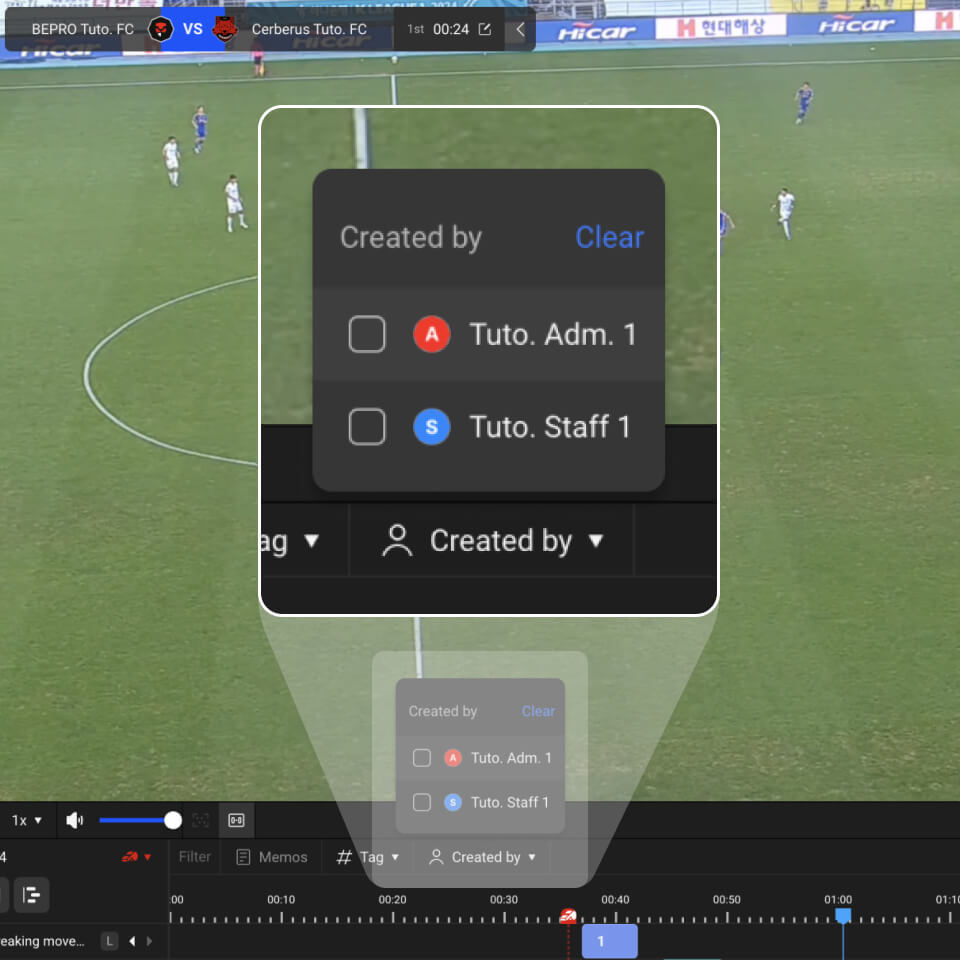
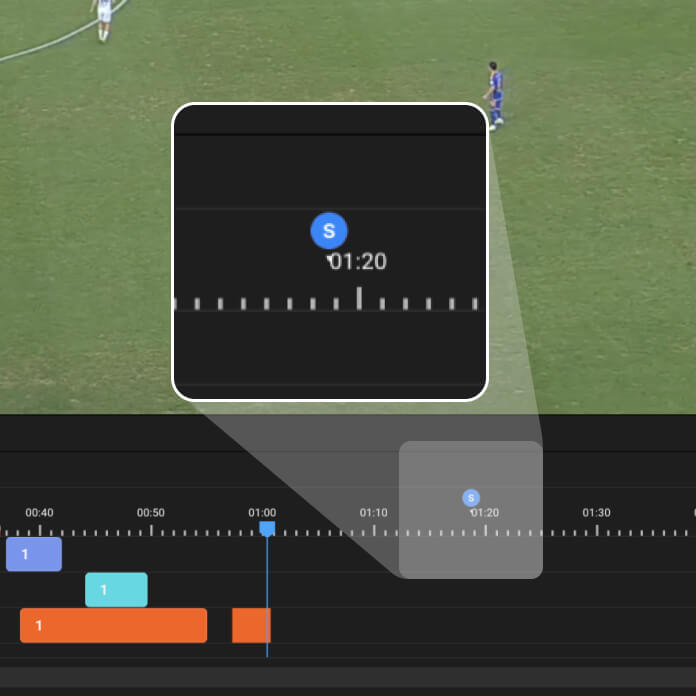
See collaborators' edits in real-time
Track where your collaborators are working and what they're doing, in real time.
Live Coding
Conduct live coding during recording with both fixed and portable cameras to make half-time more meaningful.
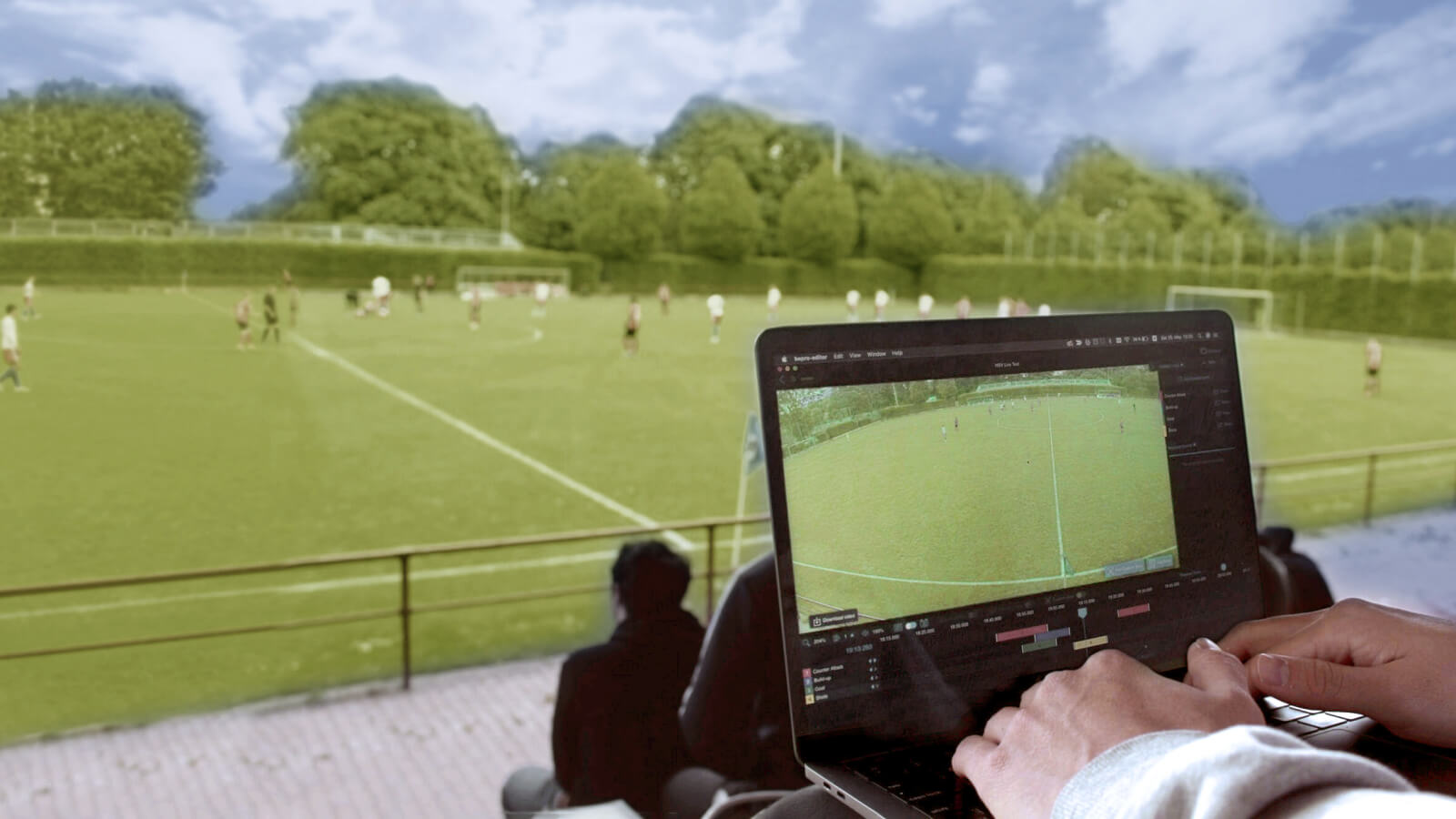

Custom View Creation
Record whilst manipulating the screen or designate specific areas to create custom views, then download or share the footage.
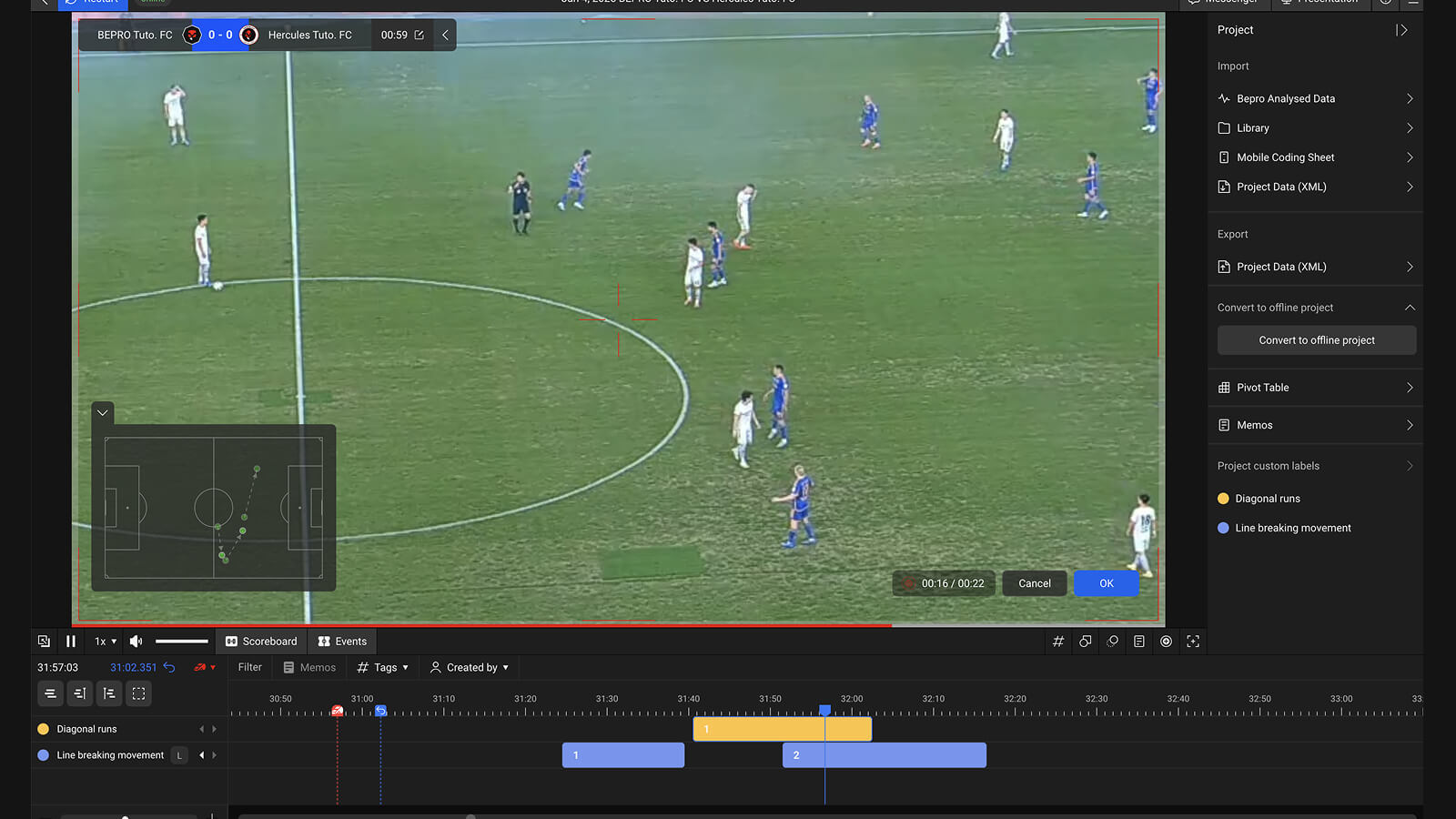
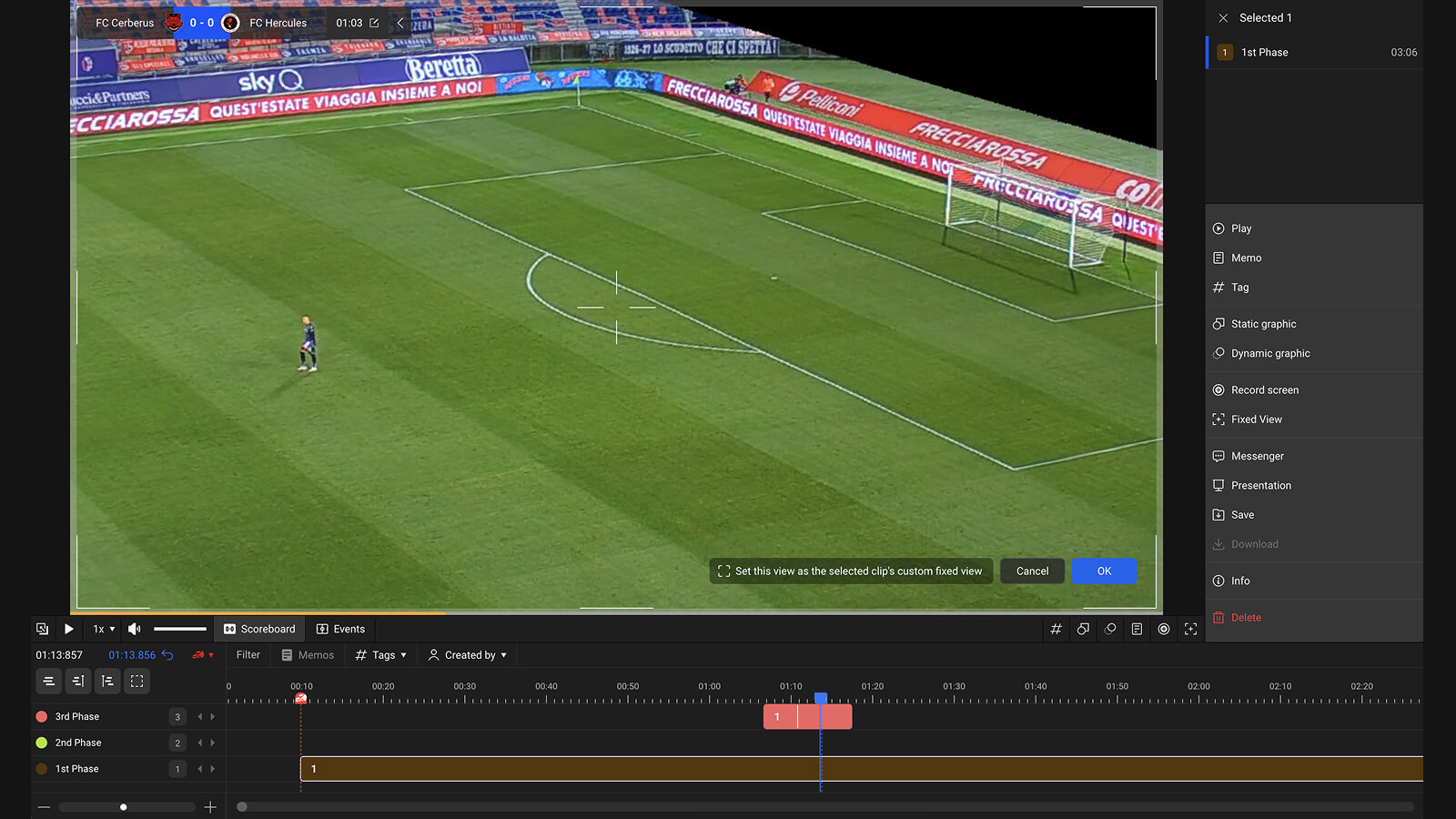
Create a Fixed View
Create a view locked to a single area — such as focusing solely on the goalkeeper's movement.
Presentation Feature
Transfer clips from BEPRO Editor project into presentation files to compile key moments for more efficient team meetings
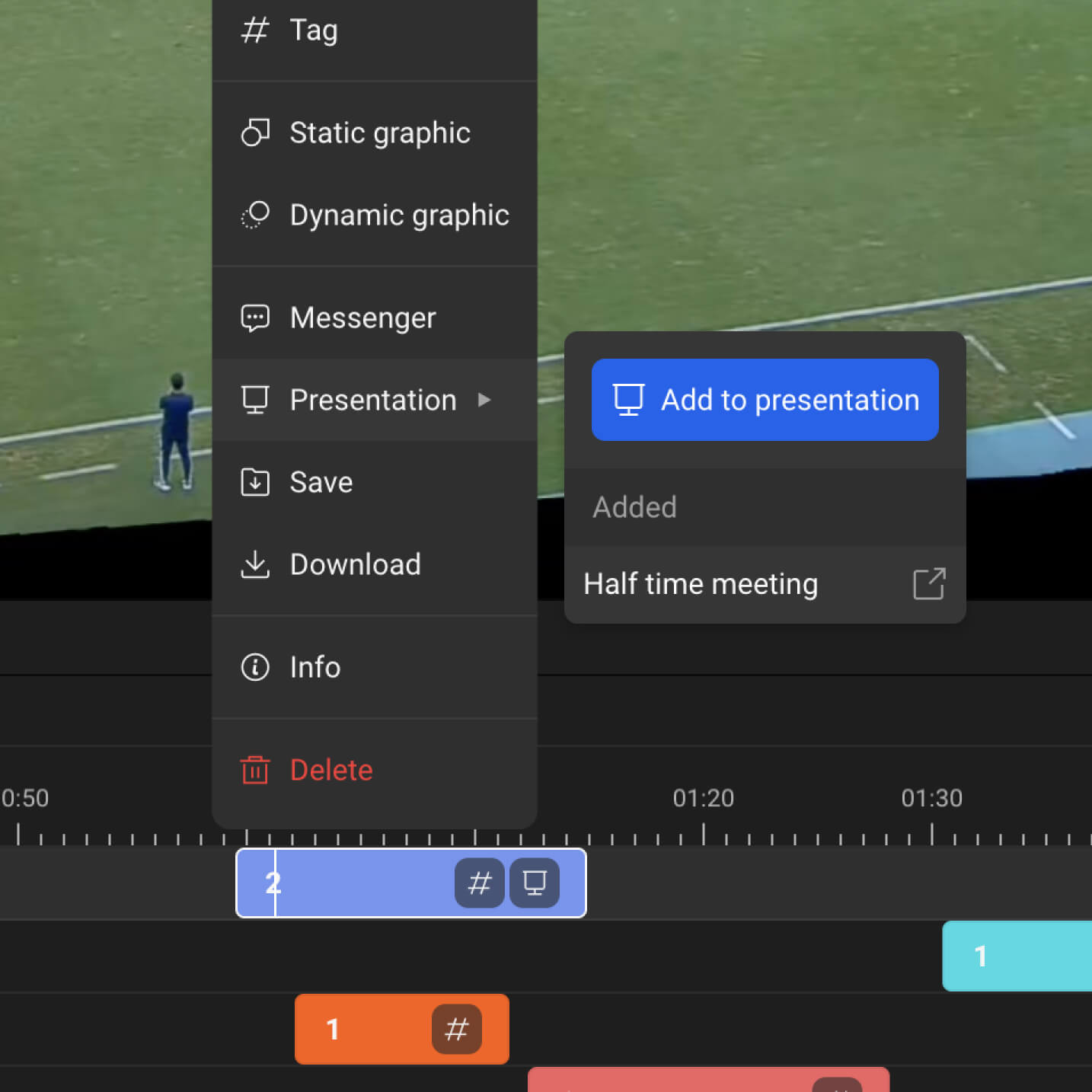
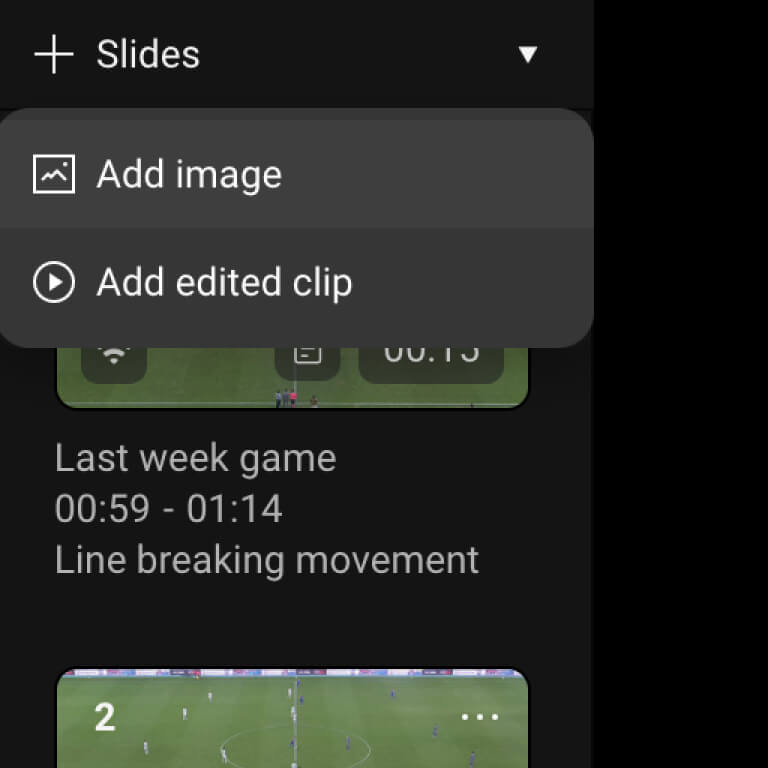
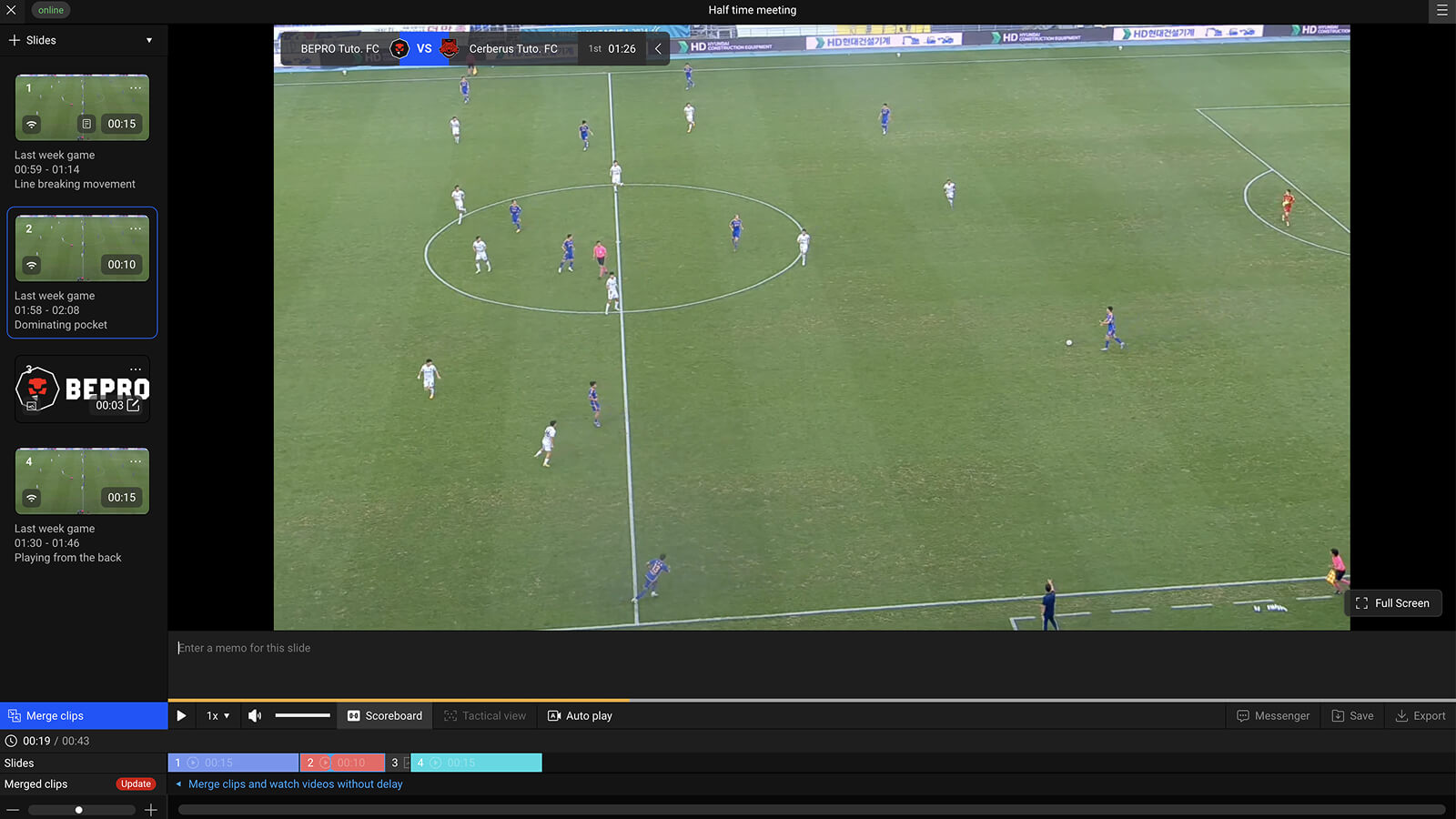
Share with your team members
Share and discuss key moments with your teammates
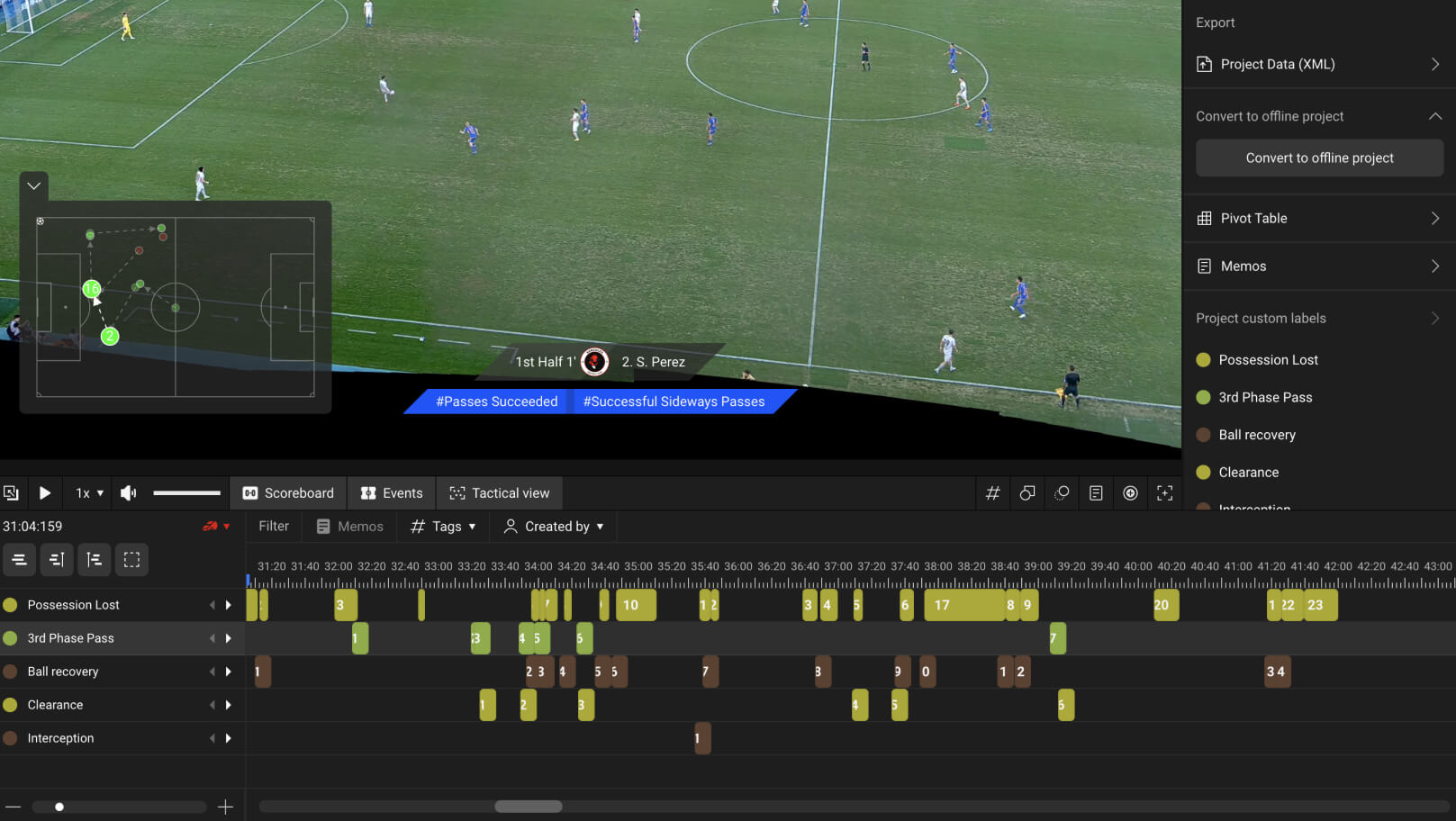
Tagging & Pivot Tables
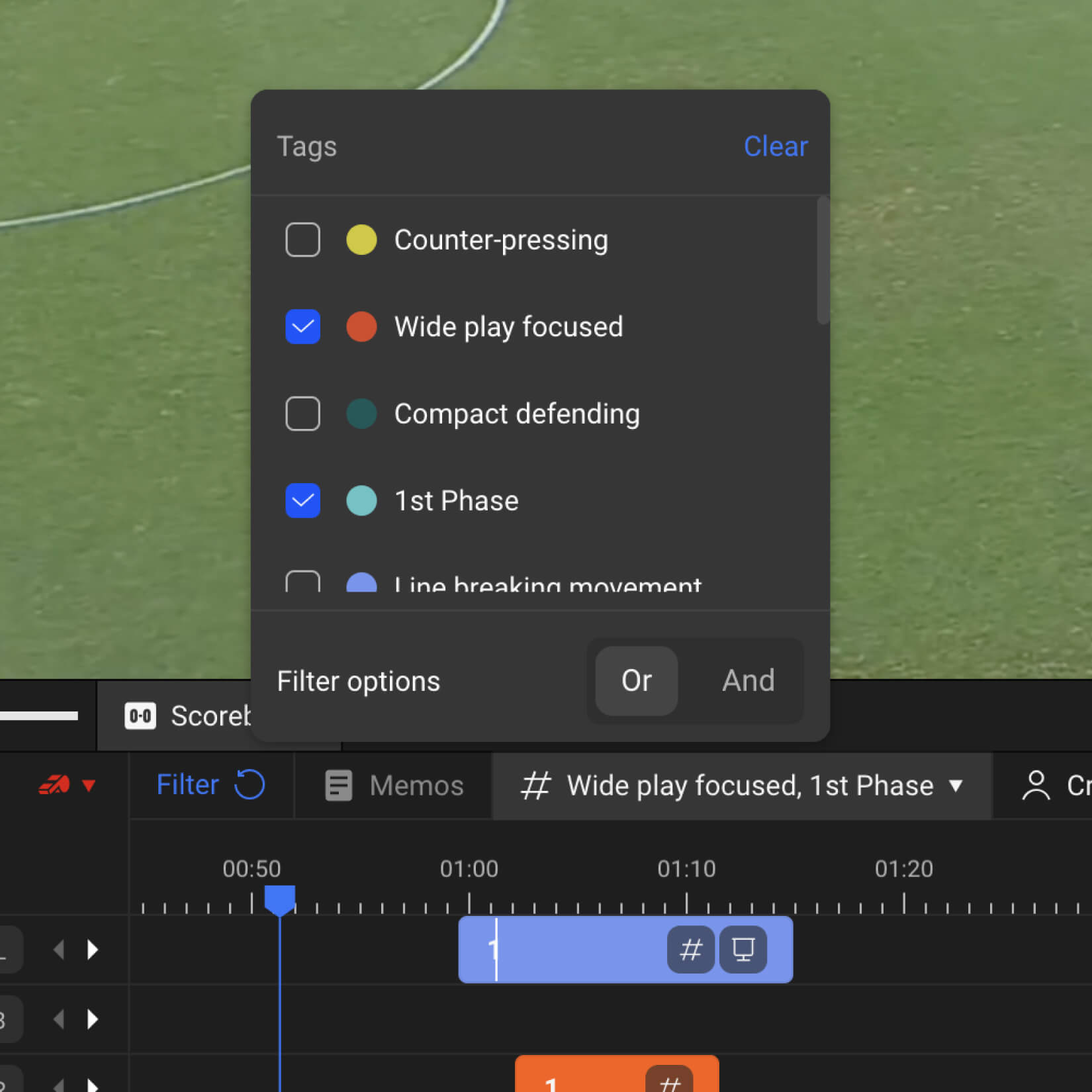
Add secondary tags to clips and create Excel-style pivot tables to analyse matches from multiple perspectives and extract downloadable insights.
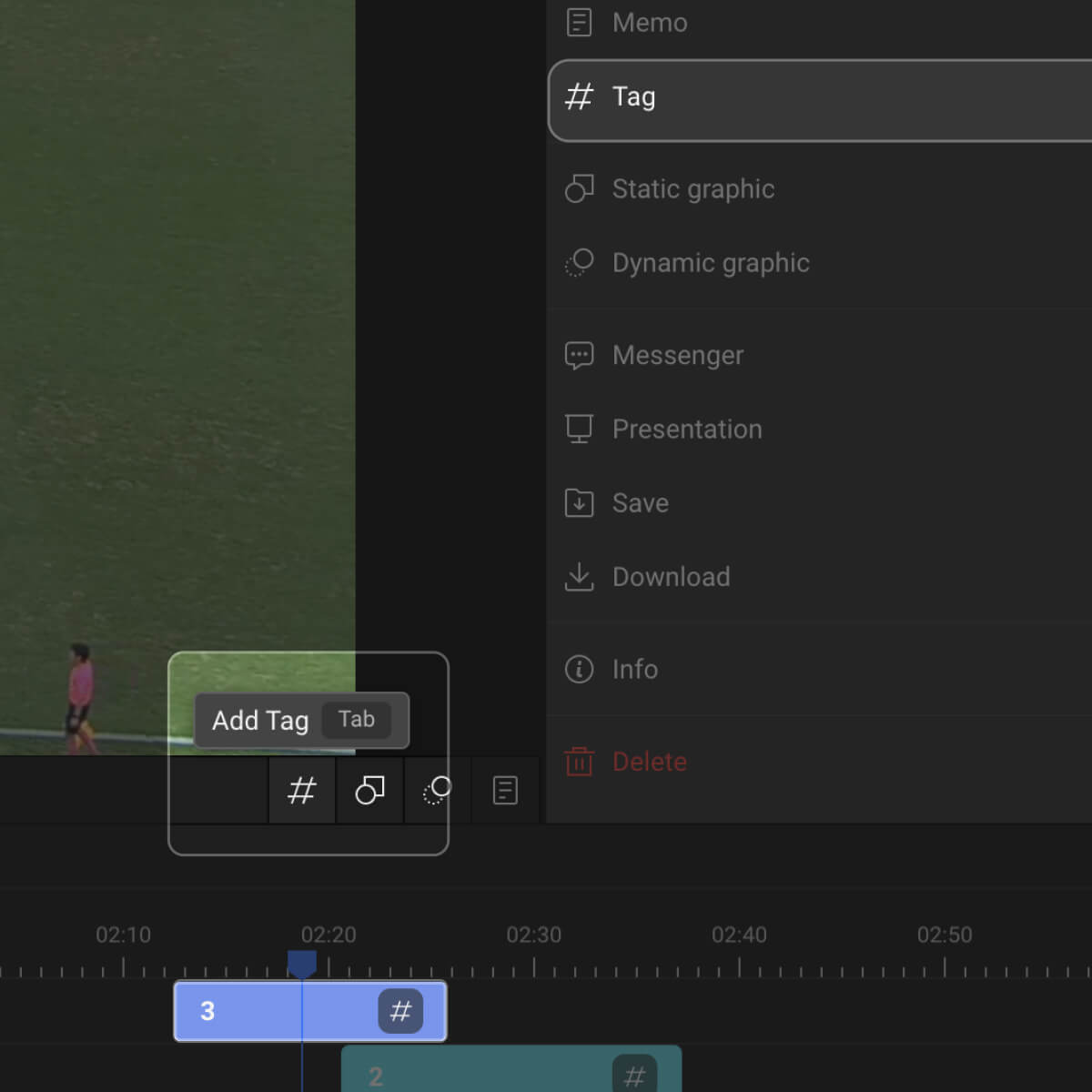
Add Tags to Clips
Add secondary tag information to your edited clips.
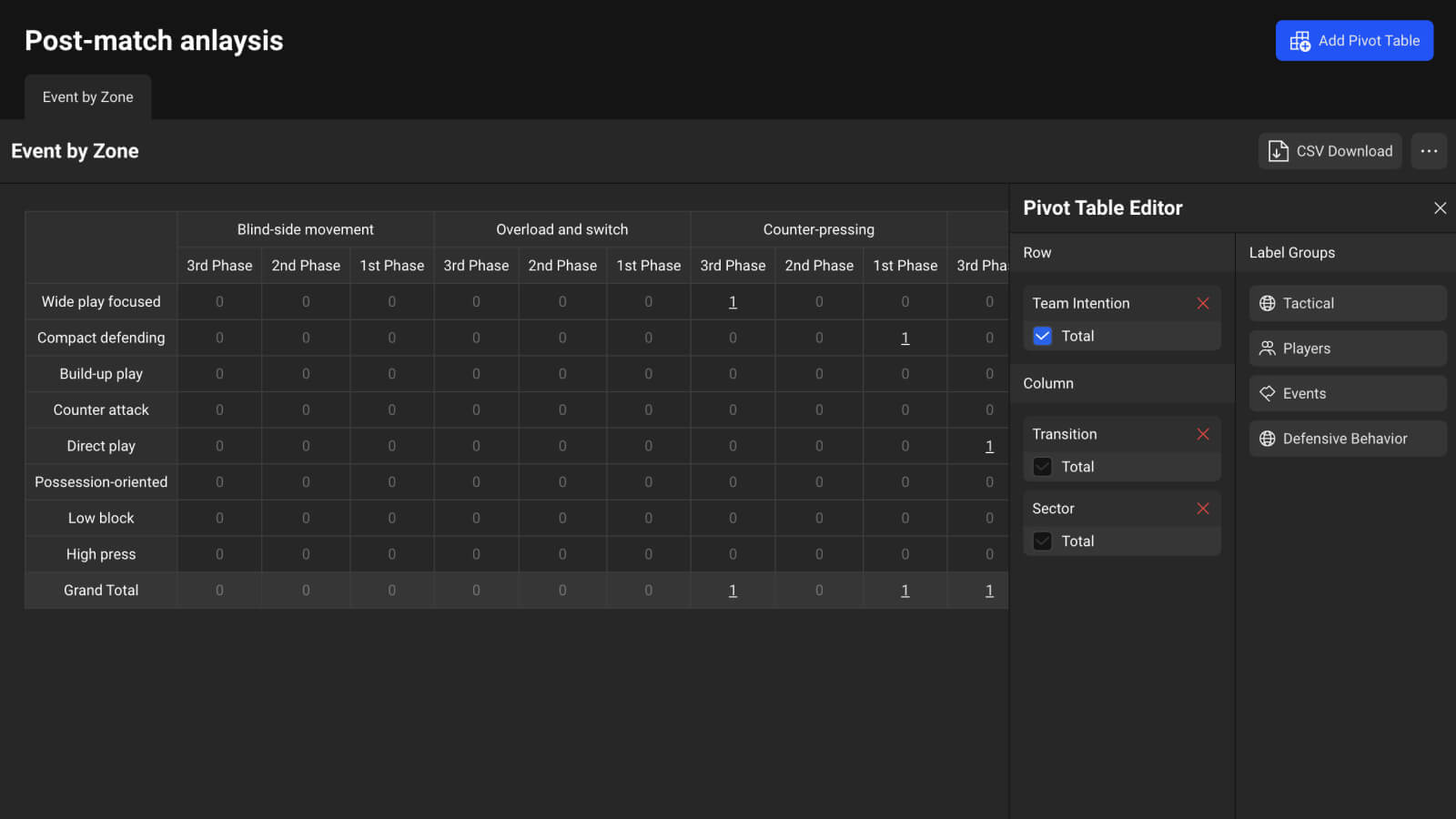
Get Insights from the Tag Metrics
Build a pivot table based on the tag data entered in your clips and uncover new insights
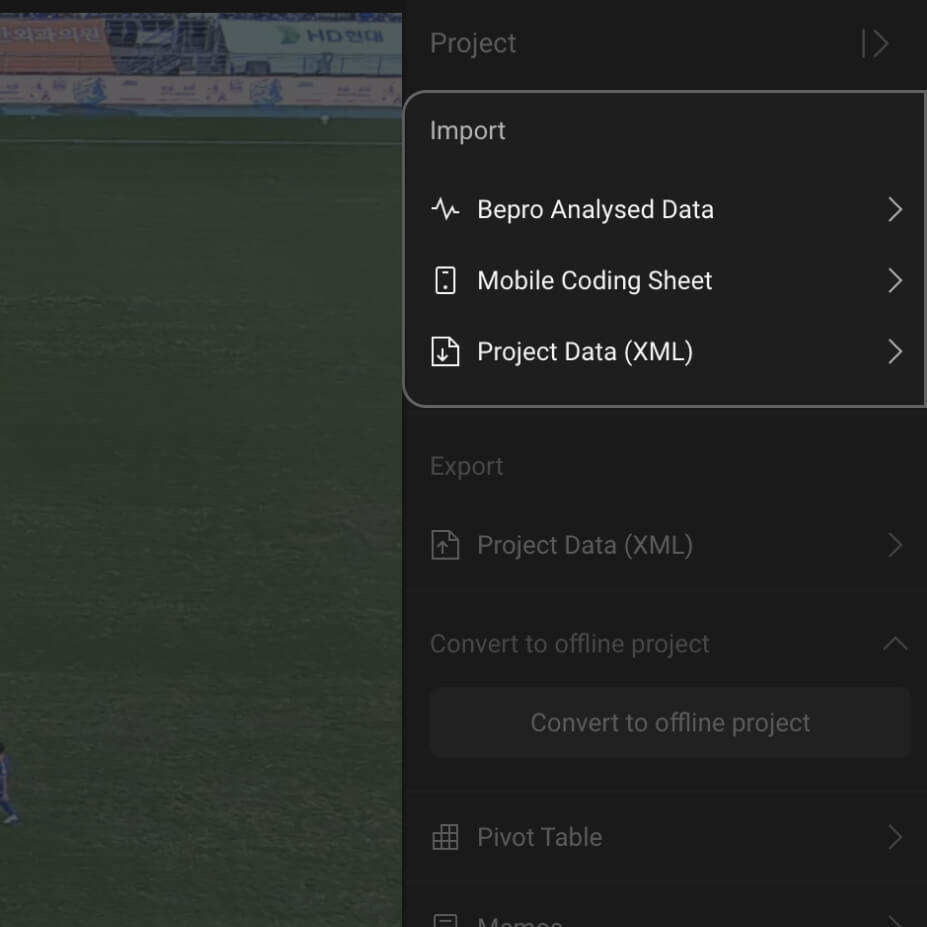
Import Analysis Data
Import BEPRO analysis data or XML files exported from other software like Sportscode to generate clips and add graphics without starting from scratch.